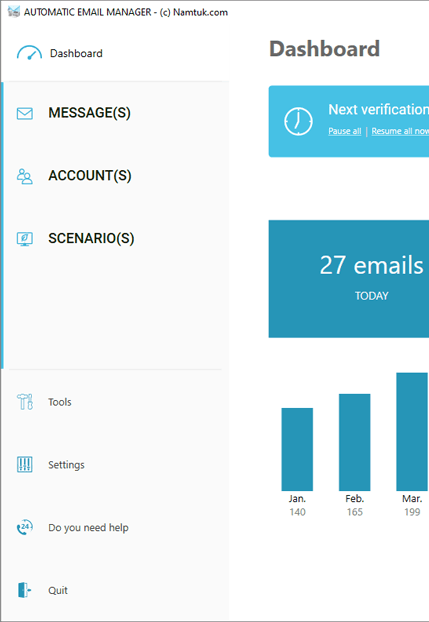
- Automatically monitor your email box(es), detect new emails, and trigger custom scenarios to simplify your daily routine.
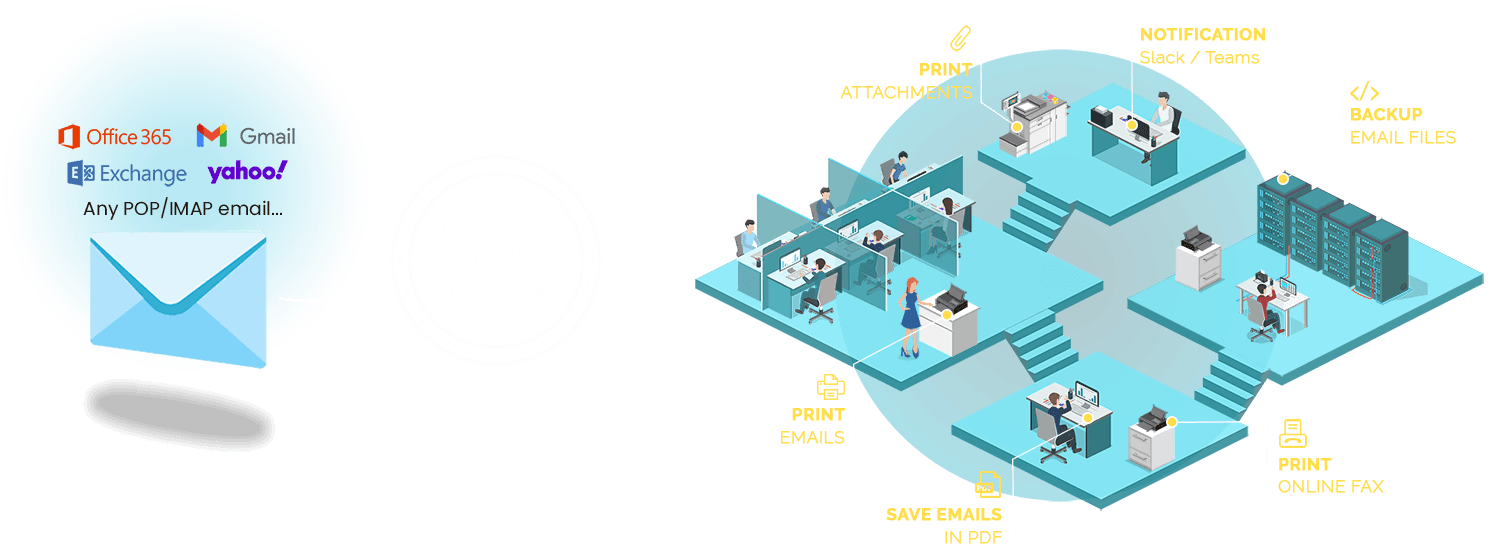
- Connection with all major email providers, including Gmail, Office 365, Exchange, Yahoo, Hotmail, ICloud, Imap, Pop,...
- Choose from over 20 actions to automate your email workflow, including printing, converting to pdf, sending to Slack, replying email,...
- It is safe as it will not process unknown attachment type.
- Runs independently in the background with or without a user logged in.
- No need for Outlook or any other email reader. Our robust tool functions perfectly on its own, offering you a great experience.
- Keep control on your data, your data are stored and processed only on the computer you installed Automatic Email Manager, nothing sent outside.
- Our customers report saving an average of 1 hour every day
Automatic Email Manager takes care of repetitive tasks with
your emails and attachments that can take up valuable time and energy every days.
Our customers love us everyday!

Get more time to focus on your work, save time & money with automation.
START FOR FREE FOR 30 DAYS
For your Windows PC or Server
Automatic Email Manager: At-a-glance
 Approved by thousands happy customers in over 80 countries.
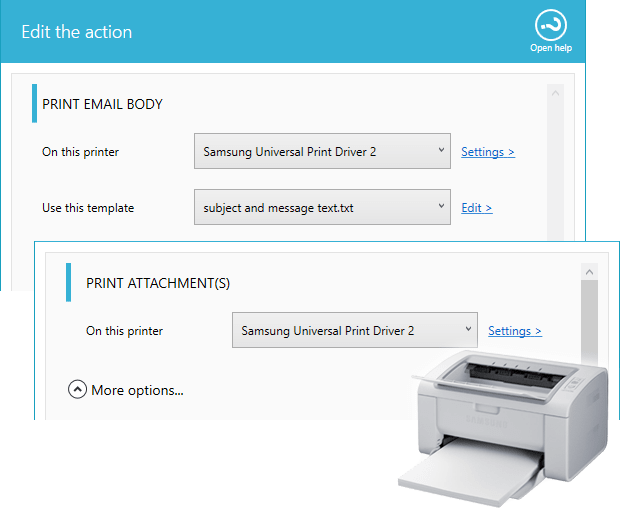
Print automatically your emails and documents, in real time.
Say goodbye to manual printing and hello to increased productivity with Automatic Email Manager.
Automatically print invoices, orders, reports, alerts, and more - no more clicking and printing each document one by one!
Many options are available like:
- Add page numbers, timestamps with date, time, or any other email information
- Print all attachments like PDF, Word, Excel, PowerPoint, images, eFax, etc
- Define conditions to print only legitimate emails & attachments
- Print specific data from your emails using our powerful data extractor.
- Focus on your tasks while Automatic Email Manager takes care of printing.
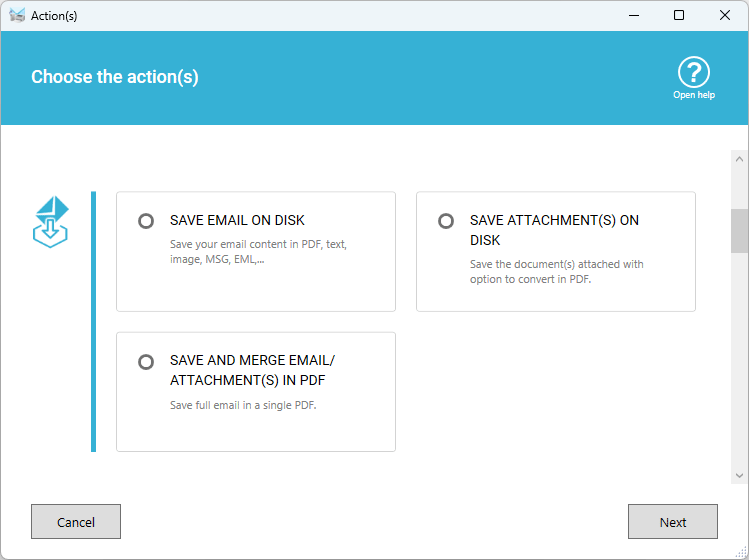
Convert & Save your email in PDF, text, eml, etc.
- Choose the saving format you need: PDF, EML, MSG, TXT, Image
- Convert all attachments in a single PDF*
- Save on any drive locally or on a network
- When your email is converted to PDF, you can add stamp(s), like 'Received'
- Use conditions to process only legitimate emails & attachments
- Create archives and backup your emails
Read more on saving my emails and attachments » Discover how to merge email with attachments in a single PDF »
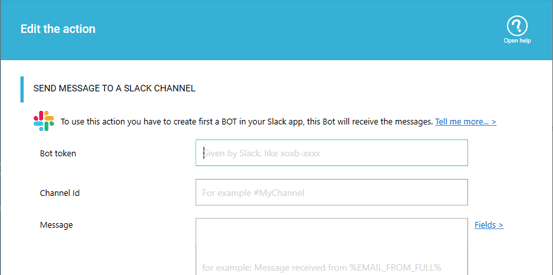
Receive email notification in your Slack, Teams, Telegram
Get notified within your famous communication tool, as soon as a new specific email is available in your inbox. You can even receive the files attached to email directly in your Slack or Telegram channel.
Are you using Slack? Read more here »
Are you using Microsoft Teams? Read more here »
Are you using Telegram messenger? Read more here »
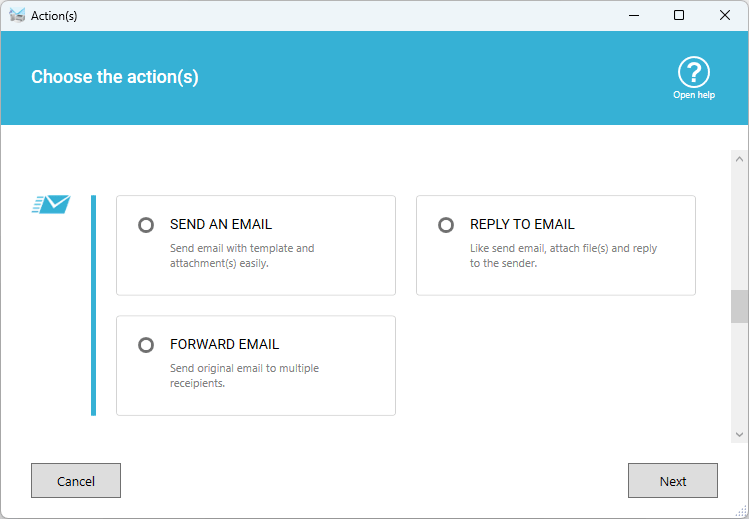
Send, reply or forward emails automatically
Do you need to send confirmation automatically or simply forward an email copy? Do you need to send emails if a specific email or attachment is received?
- Action to send an email
- Action to reply an email
- Action to forward an email
- Use your own email template
- You can even add automatic attachments (files or a full folder)
Much more automatic actions available »
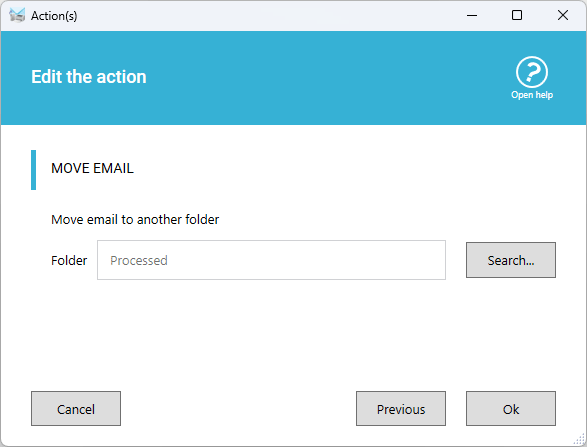
Organize your inbox by deleting, copying or moving emails to another folder
Our solution is very useful for actions like printing emails, saving emails, and moving emails to an archive folder.
You can also easily delete illegitimate emails to keep your inbox clean!
- Delete email after process or after x days
- Move or copy to another folder for backup or archiving
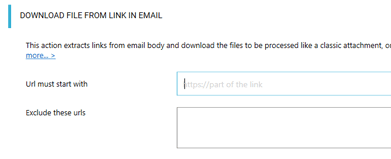
Download files from links in email
Find the link(s) in the email body, download them, then process the file(s) like a classic attachment...
Read more on downloading from links »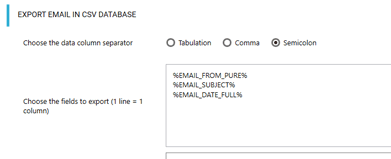
Export list of emails
in CSV
Get the list of emails received in a CSV file, open it with any software like Excel, Opencalc, import in your database,...
Read more on exporting emails »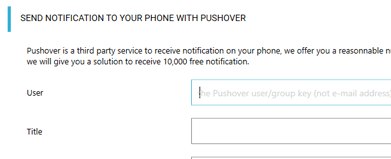
Send notification to your phone
Receive a notification on your phone when a specific email or attachment is received.
Read more on notification »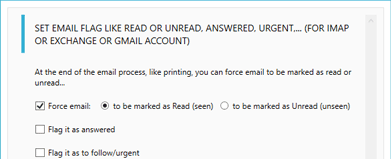
Change email state
Change the email state, when other actions are done, to read or unread, important, ...
Read more on changing email status »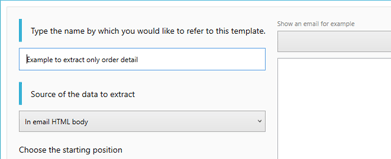
Extract data from email
Create models to extract data from your email body, like part of an order, or address,...
- Extract from email HTML body or TEXT body
- Use data extractor models when printing or saving email
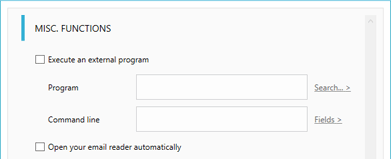
Execute external program
Do you have a script to run an external program or command like a .bat when new emails or attachments are available?
Read more on misc. functions »Works with any email box
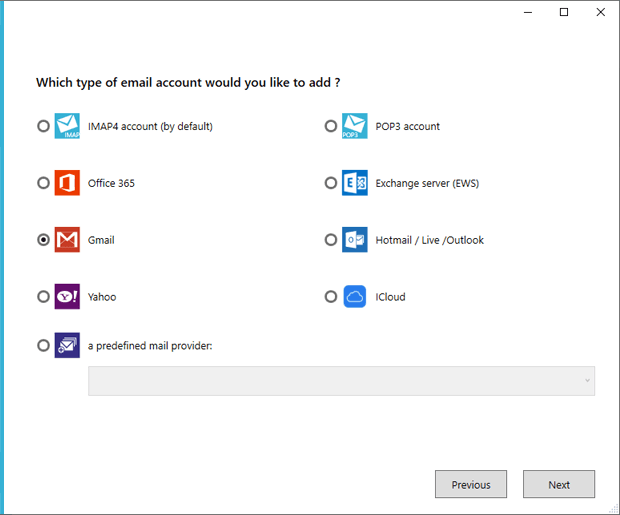
It is extremely easy to setup with the assistant, it is able to connect to any email box like Gmail, Exchange server, Cloud emails service Office 365, Yahoo mail, Hotmail, Outlook.com, Orange mail, Verizon, any IMAP4 or POP3, ...
- Support modern authentication (OAUTH) for Gmail, Office 365 & Exchange
- Process emails at regular intervals (for example every 10 minutes or 1 hour or 5 seconds) or manually
- Process emails at specific hour (for example everyday at 09:00AM)
- You can also use the advanced scheduler and define to check only some days between a specific time range
As it processes every emails, it works fine with all existing platform like WooCommerce, Shopify, Prestashop, Big Commerce, Wix, Magento, Opencart, eBay, Amazon, Squarespace,... Your eCommerce platform sends your orders and packing lists by email, so it can process it, easily.
Try Automatic Email Manager now for 30 days
It is free and doesn't need registration
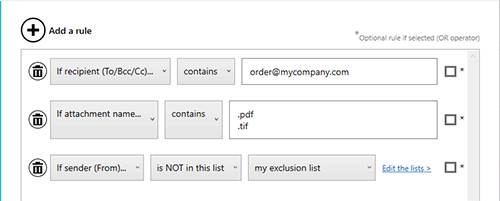
Use conditions to process only some emails
Conditions help you to filter the emails, very simple to use you add rule(s) to execute the scenario or the action. Many rules:
- If sender email...
- If recipient (To / Bcc / cc)...
- If subject...
- ...
You can even schedule when the scenario is active. For example only monday during 9:00 to 11:00.
Read more on conditions »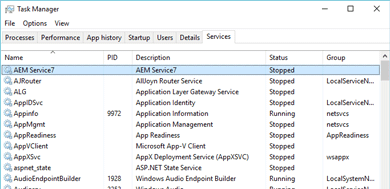
Run as Windows service
By default Automatic Email Manager always runs even when your are not logged to Windows, it is ideal for a server.
You don't have to do anything to enable the service, the setup installs the Windows Service and run it (you have option to start it or not in Automatic Email Manager options).
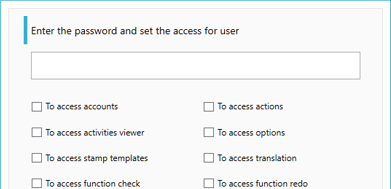
Set password access to functions
You are the administrator and you don't want your users changing settings, just define your password access for different functions:
- Accounts, actions, options
- Stamp templates, activities viewer
- Function to check, pause, redo...
For any Windows
This software only runs on Windows, it is safe and signed with an electronic certificate.
It can be installed on Windows 11, 10, 8, server 2022, 2019 / 2016 / 2012.

Need branding?
We offer white label solution for companies, as well as solution affiliation for reselling products.
Find more on resale »Personalized, customized?
You need a specific function, we can do it. You only need to send us a description of your needs, we will evaluate it and give you a price and delivery estimation.
Contact us to explain your project »Trusted by thousands of customers like:













Testimonial from a happy customer

Macy
Really nice app that works flawlessly... Thanks !!



Why Automatic Email Manager is good for your business:
- Increase your productivity easily.
- Get more time to focus on your work, save time & money, avoid errors with automation.
- Privacy protection: it is a local software, all your data are processed locally, nothing sent outside. You keep control on your data
How it will help you? Read our use cases...
Do you own a Shopify's web store? Receive your invoices and packing slips directly on your printers »
You are a small/large company? You need to backup all emails in PDF in real time »
You are a pharmacist? Check how to improve flow in your pharmacy with this use case »
Receive notifications on your device for critical or important emails, read our use-case ».
You are using the library solution Ex-Libris Alma, see how to auto print your receipt »
You receive your digital faxes on your email? Discover how to receive faxes on your printers »
Are you looking for the best receipt printer to receive your orders? Check this »
Discover all the possible actions to fit your needs »